Skip to content
  • Administration
  • Alerts
  • Billing
  • Configuration
  • Money
  • LCR Planner
  • Reporting
  • Sales Manager
  • Statpak
  • Switch Adapter
  • Blacklists of numbers to block
    Switch Adapter

    Blacklists of numbers to block

    ByAdmin July 26, 2022July 26, 2022

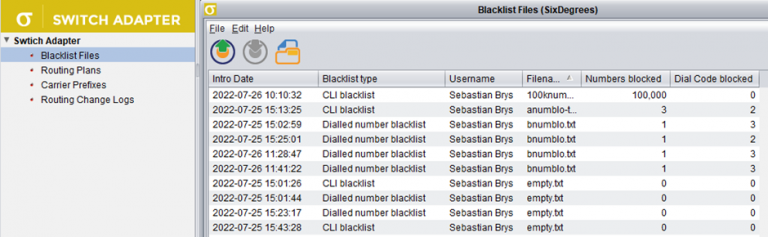
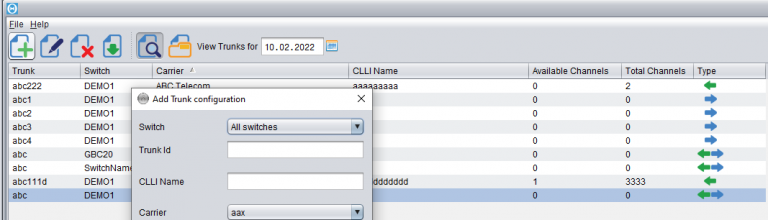
    Version v.3.10.47 introduces blacklists of numbers to block in live traffic. The blacklists are managed in Switch Adapter module. You can configure a list of CLIs or dialled numbers to block in live routing. The list may consist of full numbers (e.g. 4420123456789) or dial codes followed by an asterisk (e.g. 44201* to block all…
    Read More Blacklists of numbers to blockContinue

  • Billing | Uncategorized

    Adjusting Carrier balance in Credits

    ByAdmin July 15, 2022July 15, 2022

    In the billing module, you can see the current balances of all the carriers.  The balances are calculated from the rated phone calls as well as the history of invoice payments from/to the carriers.  The success of having the accurate balances in the billing module depends on 3 factors: Having the correct  Customer Rates and…

    Read More Adjusting Carrier balance in CreditsContinue

  • Configuration | Uncategorized

    Types of Origin Baskets

    ByAdmin April 15, 2022July 15, 2022

    There are now three types of Origin Baskets independent of each other: Supplier Origin Baskets – those are defined by each Supplier in their rate sheets. Baskets of each Suppliers are isolated from other Suppliers and belong to those Suppliers only. Customer Origin Baskets – these baskets are defined at system level and are available…

    Read More Types of Origin BasketsContinue

  • Trunks configuration
    Configuration | Money | Statpak

    Trunks configuration

    ByAdmin February 14, 2022February 14, 2022

    Trunk configuration is the area that determines proper recognition of who the Customer and who the Supplier was in a certain call. When the call has been made, the switch produces a CDR with the two trunks in it:1) the incoming trunk – which specifies the Customer who sent the call2) the outgoing trunk –…

    Read More Trunks configurationContinue

  • Daily Credit monitoring and blocking
    Billing

    Daily Credit monitoring and blocking

    ByAdmin December 15, 2021December 15, 2021

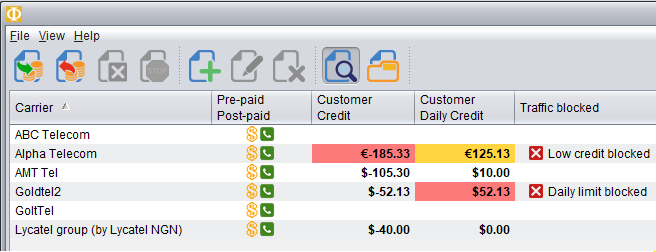
    Novatel Control Centre can now monitor credit for the traffic received from the Customers each day. This means you can configure the maximum amount you want to allow the Customer to send traffic for within a single day. At a certain level, you may receive an alert (mail/sms) and/or block the traffic until the next…

    Read More Daily Credit monitoring and blockingContinue

  • How routing scenarios really work
    LCR Planner

    How routing scenarios really work

    ByAdmin December 2, 2021December 2, 2021

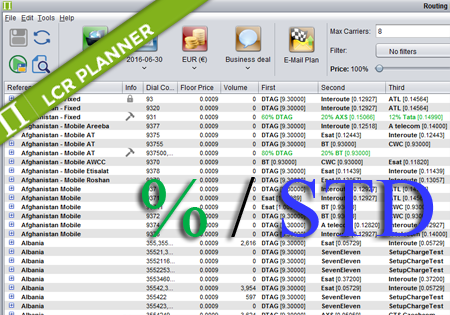
    Novatel Control Centre allows for configuring the following types of routing:1) standard routing – prioritized order of carrier choices to try for routing by the switch2) percentage routing – for balancing the traffic on a route across multiple carriers3) percentage routing with backup carriers – the extension to the percentage routing with carriers to take…

    Read More How routing scenarios really workContinue

  • Getting started with Novatel
    Configuration | Uncategorized

    Getting started with Novatel

    ByAdmin November 30, 2021November 30, 2021

    The following article will help you run the Novatel Control Centre for the first time and will walk you through the basic functionality to quickly start using the application. Visit the link to your application provided by the Novatel Team and you will find the following website. Click the ‘Start Control Centre’ button. This will…
    Read More Getting started with NovatelContinue

  • Manual traffic blocking for Customers
    Billing

    Manual traffic blocking for Customers

    ByAdmin November 23, 2021December 2, 2021

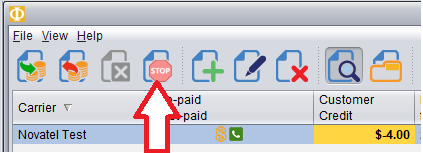
    In Credit Management screen of the Billing module you can now block traffic from a customer manually, even when that customer still has credit available. To block traffic from a Customer, first Select the Customer and then push the red Stop button as shown here. In the table it will show the traffic has been…
    Read More Manual traffic blocking for CustomersContinue

  • Top-up authorisation in Credit Management
    Billing

    Top-up authorisation in Credit Management

    ByAdmin September 27, 2021July 19, 2022

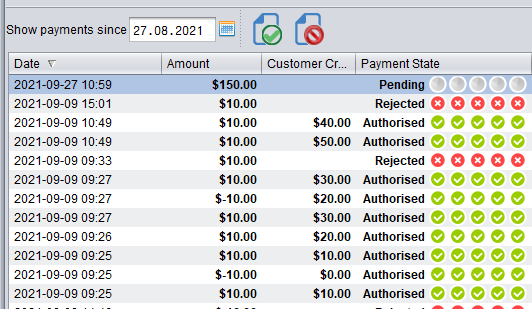
    Credit Management in the Billing module now supports multi-level authorisation of top-ups (payments) for customers. The authorisation mode in Control Centre can be configured system-wide to be either: turned off – in this mode any top-up performed will instantly increase the customer’s Credit Balance turned on – configured to require top-up authorisation. In top-up Authorization…

    Read More Top-up authorisation in Credit ManagementContinue

  • Multicurrency support in Control Centre
    Configuration

    Multicurrency support in Control Centre

    ByAdmin June 12, 2020June 12, 2020

    Configuration All currencies in Control Centre in Configuration->Currencies->Currencies screen. On Configuration->Currencies->Exchange Rates screen you can review and configure the Exchange Rates between the currencies you have configured on the Currencies screen. The exchange rates can be configured to update automatically every night from www.exchange-rates.org, or they can be updated manually. While creating/editing a Carrier on Configuration->Carriers->Carriers screen,…

    Read More Multicurrency support in Control CentreContinue

  • Configuration | LCR Planner

    Blocked Dial Codes

    ByAdmin March 19, 2020December 2, 2021

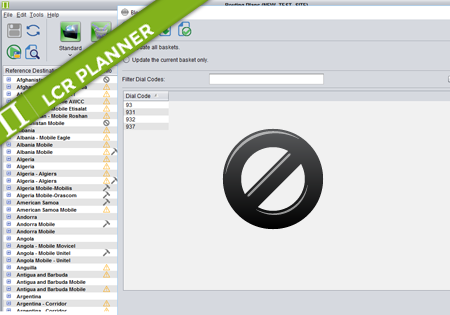
    Control Centre version 3.10.7 has introduced the feature of blocking dial codes on carrier level basis. This functionality is supported across the whole system, so you can configure a dial code as blocked for a certain Customer (or a Tariff), you can generate an offer with blocked dial codes for your Customers in Sales Manager,…

    Read More Blocked Dial CodesContinue

  • Configuration

    Routing Models introduction

    ByAdmin October 11, 2019October 11, 2019

    Control Centre v.3.9.14 brings the support for Routing Models.Routing Models allow you to configure your routing more flexibly and easly. For example, if you have a common set of dial codes with the same routing for multiple routing plans (e.g. national traffic), you can put that into a separate Routing Plan, and in the Routing…

    Read More Routing Models introductionContinue

  • Rate Sheet Importing
    Configuration

    Rate Sheet Importing

    ByAdmin May 31, 2019December 6, 2019

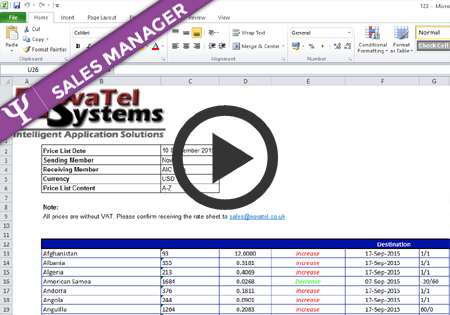
    Introduction Control Centre allows the user to fully automate the exchange of rates between the users and their clients. There are three ways of updating rates in the system: a) Manual – the user can provide a new rate for a destination and define the effective date. This option should only be used in urgent…

    Read More Rate Sheet ImportingContinue

  • Clearing Java Cache
    Java

    Clearing Java Cache

    ByAdmin May 11, 2018July 19, 2019

    To clear Java cache go to Control Panel > Programs > Java Then choose Settings Choose Delete Files And select all checkboxes to delete the cache. Click OK. It can take a few minutes to clear all the files.

    Read More Clearing Java CacheContinue

  • Java Upgrade
    Java

    Java Upgrade

    ByAdmin January 31, 2017July 19, 2019

    Control Centre works best in Java 64-bit Runtime Environment. Java 64-bit is available under the following link: Java 1.8 Download When downloading, double check if you are downloading x64 version. Before installing new Java, please uninstall all previous Java Runtime Environments.  

    Read More Java UpgradeContinue

  • Routing Plans – blocked dial codes
    LCR Planner

    Routing Plans – blocked dial codes

    ByAdmin December 5, 2016December 5, 2016

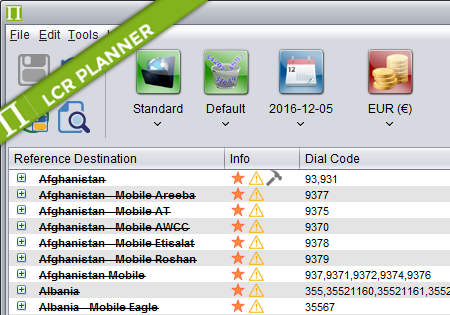
    Routing Plans – blocked dial codes Dial codes blocking is used for temporary or permanent blocking of some particular phone numbers or whole destinations. The result of a call attempt for a blocked dial code is a blocked supplier prefix returned by NRS, which is a signal for the switch that the call should not…

    Read More Routing Plans – blocked dial codesContinue

  • Routing Plans – Excluded dial codes
    LCR Planner

    Routing Plans – Excluded dial codes

    ByAdmin December 5, 2016December 5, 2016

    Routing Plans – Excluded dial codes Dial codes exclusion is used to limit the number of available dial codes in a routing plan. It can be used whenever there is a need to create a routing plan that uses only a part of MDL. The result of a call attempt for an excluded dial code…

    Read More Routing Plans – Excluded dial codesContinue

  • Configuration

    Automatic importer – basics

    ByAdmin November 30, 2016

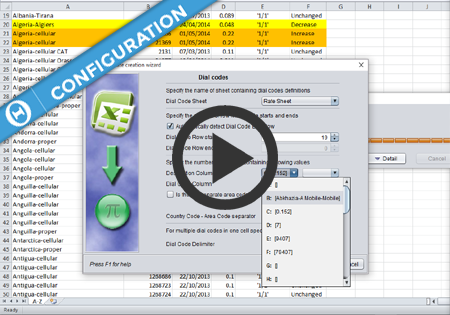
    Automatic Rate Sheet Importer gives the user opportunity to import supplier and customer rate sheets with minimal effort. Instead of manual loading rates to Control Centre, which is a time consuming process, the user can e-mail the rate sheet with a proper subject (as described in Automatic importer: e-mail subject format) and check the results…

    Read More Automatic importer – basicsContinue

  • Configuration

    Automatic importer – e-mail subjects

    ByAdmin November 30, 2016March 11, 2022

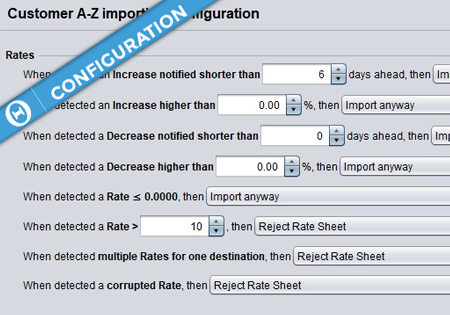
    The following types of rate change notifications are supported by Control Centre: A-Z price lists include all of the destinations for every country offered by a Seller to a Buyer. All of the rates previously provided by the Seller are replaced by the content of the new price list, and if any destinations are missing in…

    Read More Automatic importer – e-mail subjectsContinue

  • Floor price and Negative-Margin Prevention
    Configuration | LCR Planner

    Floor price and Negative-Margin Prevention

    ByAdmin October 5, 2016

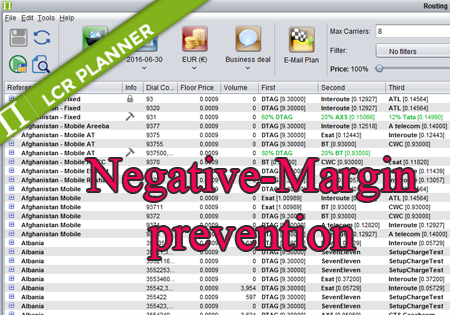
    The following scenario is used to describe the meaning and functionality of Floor Price and Negative-Marin Prevention in the NovaTel Control Centre solution. We have Customer rate for the destination Afghanistan 93 being $0.5000 And the routing being Afghanistan 93: AT&T [$0.3000], BT [$0.4000], C&W [$0.5000], D-Telecom [$0.6000] In such a case if Negative Margin…

    Read More Floor price and Negative-Margin PreventionContinue

  • User Management
    Administration

    User Management

    ByAdmin June 30, 2016

    Read More User ManagementContinue

  • Mixed Routing
    LCR Planner

    Mixed Routing

    ByAdmin June 16, 2016June 30, 2016

    Mixed Routing Mixed routing is a compliation of percentage and standard routing. The user may define a percentage value for a number of carriers. The total percentage should be less than 100%. The remaining percentage is assigned to the standard routing. For example: Afghanistan,93,60% ATL,DTAG,ATelecom means that 60% of traffic for 93 is routed by…

    Read More Mixed RoutingContinue

  • Percentage Routing
    LCR Planner

    Percentage Routing

    ByAdmin June 16, 2016June 30, 2016

    Percentage Routing Percentage routing alows the user to define percentage distribution between multiple suppliers. For example one supplier may take 60% of traffic, when another supplier takes 40%. The user is also allowed to configure backup carriers to be used if all the suppliers that are used in percentage routing fail. The order of carriers…

    Read More Percentage RoutingContinue

  • Standard Routing
    LCR Planner

    Standard Routing

    ByAdmin June 16, 2016June 30, 2016

    Standard Routing Standard routing is the default routing for all routes. It can be modified by the user. By default Standard routing orders suppliers by price from the cheapest to the most expensive ones. The user may want to include quality factor in routing calculation. By using Price/Quality slider they can set the price/quality ratio…

    Read More Standard RoutingContinue

  • Routing Plans – Routing Types
    LCR Planner

    Routing Plans – Routing Types

    ByAdmin June 16, 2016June 30, 2016

    Routing Types There are four routing types available in Planner: Standard – the order of suppliers is automatically calculated by Planner. It depends on price/quality settings configured by the user. The user can overrides position of suppliers manually or exclude unwanted choices. Percentage – the number and order of supplier is fixed and defined by…

    Read More Routing Plans – Routing TypesContinue

  • Downloading CDRs
    Administration | Money

    Downloading CDRs

    ByAdmin November 19, 2015May 17, 2022

    CDR Downloading – How to The following document describes how to download a csv file with CDRs for parameters defined by the user. The CDRs can be downloaded either from any View by … screen or from the Phone Calls screen. 1. Define the CDRs that the user is interested in. To download the CDRs…

    Read More Downloading CDRsContinue

  • Routing formulas – methods
    Uncategorized

    Routing formulas – methods

    ByAdmin September 15, 2015June 15, 2016

    Routing formulas Method Summary Method Detail setCarrierPercentage public void setCarrierPercentage(java.lang.String carrierName, java.lang.Integer percentage) Sets a percentage value for a carrier. Sets dial code routing type to percentage routing. Parameters: carrierName – The carrier to set percentage for. percentage – Percentage value setCarrierPosition public void setCarrierPosition(java.lang.String carrierName, java.lang.Integer override) Overrides a position of a carrier. Parameters: carrierName – The carrier to set position for….

    Read More Routing formulas – methodsContinue

  • Routing Formulas
    LCR Planner

    Routing Formulas

    ByAdmin September 15, 2015July 17, 2019

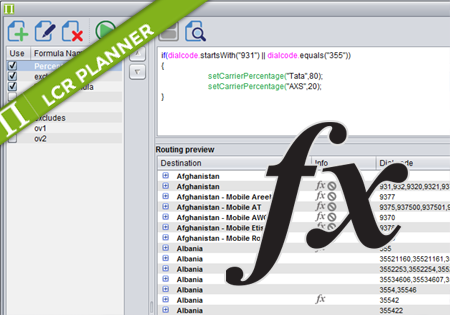
    Control Centre 3.6 introduces Routing formulas. The following document describes how to use the formulas to automate your routing generation. To see all available methods read: Routing formulas – methods Applying formula The user can decide whether he wants to apply his formula on a single dial code, multiple dial codes or any destination that…

    Read More Routing FormulasContinue

  • Routing Plans Introduction
    LCR Planner

    Routing Plans Introduction

    ByAdmin September 13, 2015September 14, 2015

    Read More Routing Plans IntroductionContinue

  • Scheduling Future Routing
    Administration | LCR Planner | Sales Manager

    Scheduling Future Routing

    ByAdmin September 13, 2015September 14, 2015

    Read More Scheduling Future RoutingContinue

  • Introduction
    Configuration

    Introduction

    ByAdmin September 13, 2015September 14, 2015

    Read More IntroductionContinue

  • Carriers
    Configuration

    Carriers

    ByAdmin September 13, 2015September 14, 2015

    Read More CarriersContinue

  • Supplier Rates
    Configuration | LCR Planner

    Supplier Rates

    ByAdmin September 13, 2015September 14, 2015

    Supplier Rates screen introduction   Supplier Rates screen display options  

    Read More Supplier RatesContinue

  • Manual Rate Sheet Importing
    Configuration

    Manual Rate Sheet Importing

    ByAdmin September 13, 2015September 14, 2015

    Read More Manual Rate Sheet ImportingContinue

  • Manual Rates Editing
    Configuration

    Manual Rates Editing

    ByAdmin September 13, 2015September 14, 2015

    Read More Manual Rates EditingContinue

  • Import Templates
    Configuration

    Import Templates

    ByAdmin September 13, 2015September 14, 2015

    Import Templates basic settings   Import Templates advanced options

    Read More Import TemplatesContinue

  • Reporting Introduction
    Reporting

    Reporting Introduction

    ByAdmin September 11, 2015

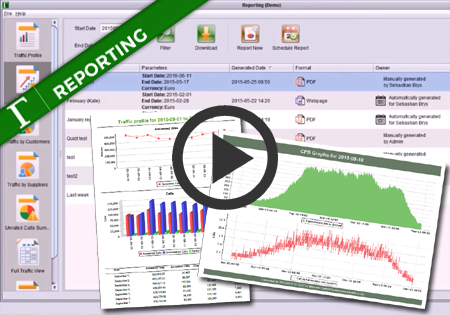
    Read More Reporting IntroductionContinue

  • Alerts Introduction
    Alerts

    Alerts Introduction

    ByAdmin September 11, 2015February 23, 2022

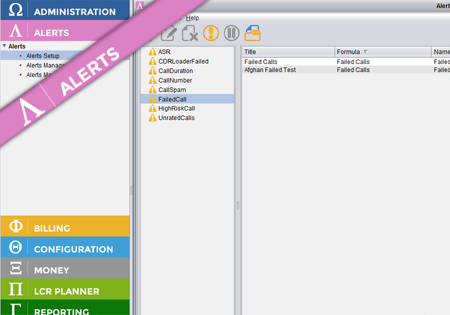
    Alerts is an application which sits on top of the other Control Centre applications and provides various alerts for these applications. Depending on which applications are available in the suite, different Alert formulas will be accessible. In order to have part of the application/network traffic monitored (e.g. ASR for different destinations) a new Alert Formula…

    Read More Alerts IntroductionContinue

  • Alert Formula Configuration
    Alerts | Configuration

    Alert Formula Configuration

    ByAdmin September 11, 2015February 23, 2022

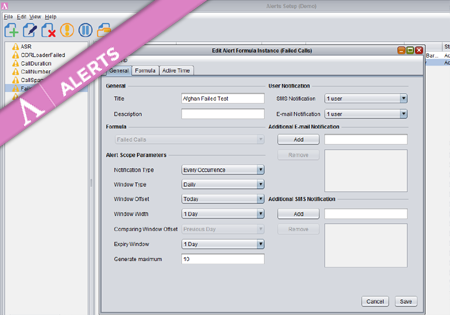
    To create a new Formula Instance go to the Configuration screen and press the Add button. The dialog where you configure your new Alert Formula Instance has three main tabs storing different groups of properties. Provide a title and description for the new Formula Instance. On the right you may specify (optional) multiple e-mail addresses…

    Read More Alert Formula ConfigurationContinue

  • Alerts Management
    Alerts

    Alerts Management

    ByAdmin September 11, 2015February 23, 2022

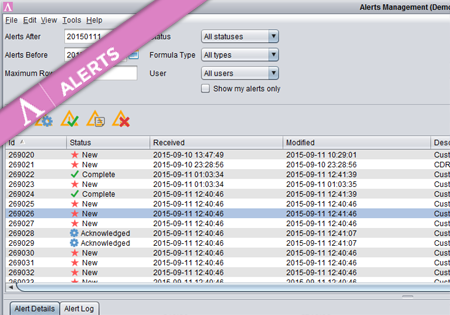
    Once the Alert is generated, the responsible persons are notified and the Alerts are accessible from the Overview screen. The screen consists of three parts.  At the top there is a set of filters to allow the users to finds only those Alerts they are interested in. In the middle panel there is a list…

    Read More Alerts ManagementContinue

  • Alerts widget
    Alerts

    Alerts widget

    ByAdmin September 11, 2015September 11, 2015

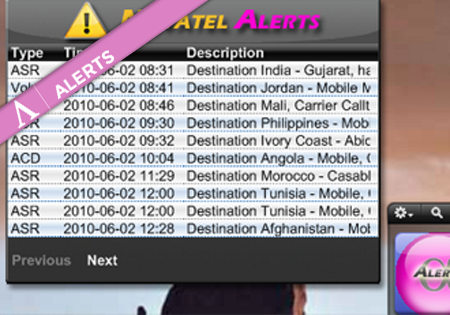
    There is a Yahoo Widget one can have on the desktop which presents the latest Alerts. This allows the users to quickly spot the new Alerts without even launching Control Centre. In the basic view the list of all new Alerts is displayed. After clicking on the selected row, the Alert’s details are presented.

    Read More Alerts widgetContinue

  • Credit Control Introduction
    Billing

    Credit Control Introduction

    ByAdmin September 11, 2015September 15, 2015

    Read More Credit Control IntroductionContinue

  • Credit Control in action
    Billing

    Credit Control in action

    ByAdmin September 11, 2015September 15, 2015

    Read More Credit Control in actionContinue

  • Sales Manager Introduction
    Sales Manager

    Sales Manager Introduction

    ByAdmin September 10, 2015September 10, 2015

    Read More Sales Manager IntroductionContinue

  • Roll-Ups
    Sales Manager

    Roll-Ups

    ByAdmin September 10, 2015September 14, 2015

    Read More Roll-UpsContinue

  • StatPak Introduction
    Statpak

    StatPak Introduction

    ByAdmin September 10, 2015September 15, 2015

    Read More StatPak IntroductionContinue

  • View by Carrier
    Statpak

    View by Carrier

    ByAdmin September 10, 2015September 14, 2015

    Read More View by CarrierContinue

  • Bandwidth Utilisation
    Statpak

    Bandwidth Utilisation

    ByAdmin September 10, 2015September 14, 2015

    Read More Bandwidth UtilisationContinue

  • World Map, Alerts, Widgets
    Alerts | Statpak

    World Map, Alerts, Widgets

    ByAdmin September 10, 2015September 14, 2015

    Read More World Map, Alerts, WidgetsContinue

  • Offer Generator
    Sales Manager

    Offer Generator

    ByAdmin September 10, 2015September 14, 2015

    Read More Offer GeneratorContinue

  • Invoice Reconciliation Introduction
    Billing

    Invoice Reconciliation Introduction

    ByAdmin September 10, 2015September 11, 2015

    Read More Invoice Reconciliation IntroductionContinue

  • Supplier Invoice – analysing differences
    Billing

    Supplier Invoice – analysing differences

    ByAdmin September 10, 2015September 11, 2015

    Read More Supplier Invoice – analysing differencesContinue

  • Reconciliation by Dial Codes
    Billing

    Reconciliation by Dial Codes

    ByAdmin September 10, 2015September 11, 2015

    Read More Reconciliation by Dial CodesContinue

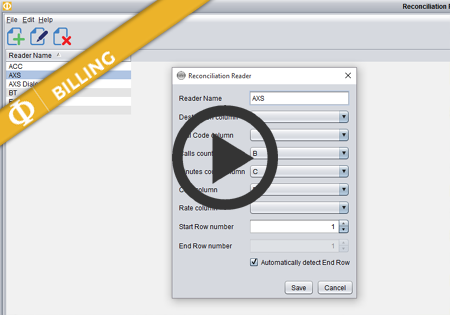
  • Reconciliation templates
    Billing

    Reconciliation templates

    ByAdmin September 10, 2015September 11, 2015

    Read More Reconciliation templatesContinue

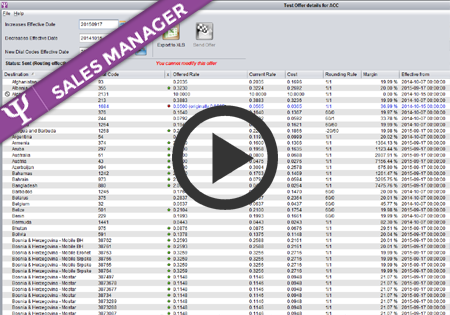
  • Generating Offers
    Sales Manager

    Generating Offers

    ByAdmin September 10, 2015September 14, 2015

    Read More Generating OffersContinue

  • Managing Offers
    Sales Manager

    Managing Offers

    ByAdmin September 10, 2015September 15, 2015

    Read More Managing OffersContinue

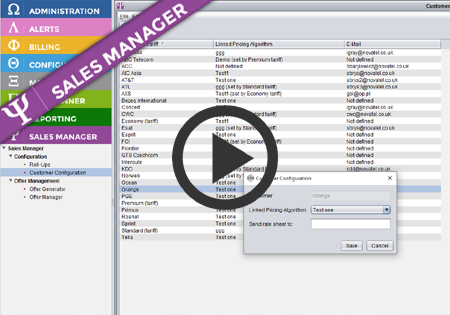
  • Sales Manager – customer configuration
    Configuration | Sales Manager

    Sales Manager – customer configuration

    ByAdmin September 10, 2015September 15, 2015

    Read More Sales Manager – customer configurationContinue

  • Sales Manager – Tariffs
    Configuration | Sales Manager

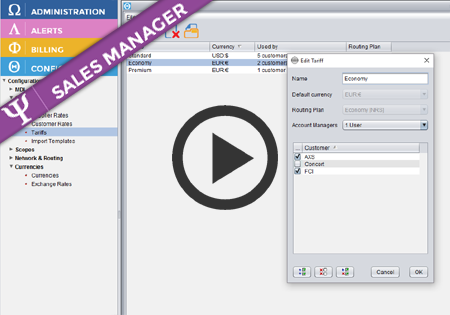
    Sales Manager – Tariffs

    ByAdmin September 10, 2015September 14, 2015

    Read More Sales Manager – TariffsContinue

  • Routing Generator Controller
    Administration | LCR Planner

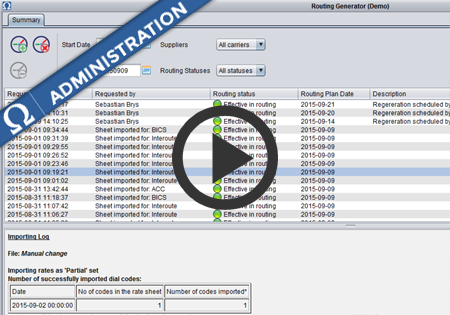
    Routing Generator Controller

    ByAdmin September 9, 2015

    Read More Routing Generator ControllerContinue

  • Carrier Prefixes
    Configuration | Switch Adapter

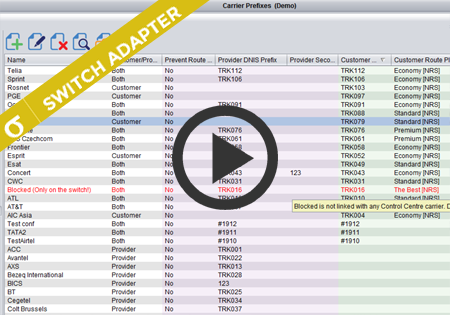
    Carrier Prefixes

    ByAdmin September 9, 2015August 4, 2021

    Read More Carrier PrefixesContinue

© 2026 - WordPress Theme by Kadence WP

  • Administration
  • Alerts
  • Billing
  • Configuration
  • Money
  • LCR Planner
  • Reporting
  • Sales Manager
  • Statpak
  • Switch Adapter
Search