Similar Posts
Routing Formulas
Control Centre 3.6 introduces Routing formulas. The following document describes how to use the formulas to automate your routing generation. To see all available methods read: Routing formulas – methods Applying formula The user can decide whether he wants to apply his formula on a single dial code, multiple dial codes or any destination that…
Alert Formula Configuration
To create a new Formula Instance go to the Configuration screen and press the Add button. The dialog where you configure your new Alert Formula Instance has three main tabs storing different groups of properties. Provide a title and description for the new Formula Instance. On the right you may specify (optional) multiple e-mail addresses…
Import Templates
Import Templates basic settings Import Templates advanced options
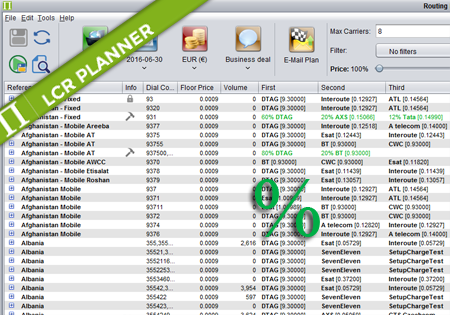
Percentage Routing
Percentage Routing Percentage routing alows the user to define percentage distribution between multiple suppliers. For example one supplier may take 60% of traffic, when another supplier takes 40%. The user is also allowed to configure backup carriers to be used if all the suppliers that are used in percentage routing fail. The order of carriers…