Similar Posts
Alert Formula Configuration
To create a new Formula Instance go to the Configuration screen and press the Add button. The dialog where you configure your new Alert Formula Instance has three main tabs storing different groups of properties. Provide a title and description for the new Formula Instance. On the right you may specify (optional) multiple e-mail addresses…
Top-up authorisation in Credit Management
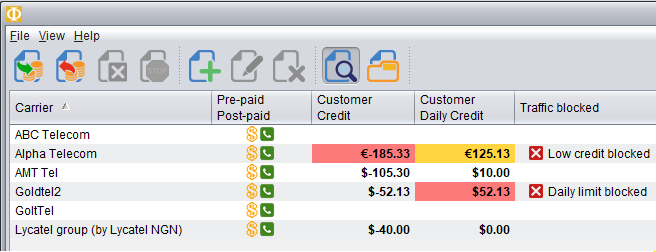
Credit Management in the Billing module now supports multi-level authorisation of top-ups (payments) for customers. The authorisation mode in Control Centre can be configured system-wide to be either: turned off – in this mode any top-up performed will instantly increase the customer’s Credit Balance turned on – configured to require top-up authorisation. In top-up Authorization…
Routing Plans – Routing Types
Routing Types There are four routing types available in Planner: Standard – the order of suppliers is automatically calculated by Planner. It depends on price/quality settings configured by the user. The user can overrides position of suppliers manually or exclude unwanted choices. Percentage – the number and order of supplier is fixed and defined by…
Standard Routing
Standard Routing Standard routing is the default routing for all routes. It can be modified by the user. By default Standard routing orders suppliers by price from the cheapest to the most expensive ones. The user may want to include quality factor in routing calculation. By using Price/Quality slider they can set the price/quality ratio…