Similar Posts
Getting started with Novatel
The following article will help you run the Novatel Control Centre for the first time and will walk you through the basic functionality to quickly start using the application. Visit the link to your application provided by the Novatel Team and you will find the following website. Click the ‘Start Control Centre’ button. This will…

Adjusting Carrier balance in Credits
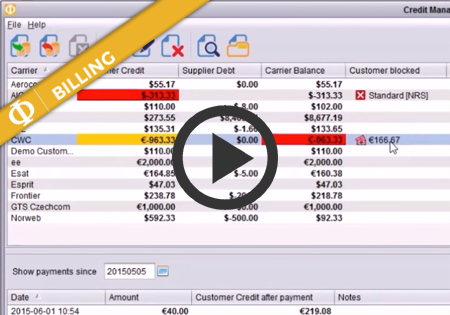
In the billing module, you can see the current balances of all the carriers. The balances are calculated from the rated phone calls as well as the history of invoice payments from/to the carriers. The success of having the accurate balances in the billing module depends on 3 factors: Having the correct Customer Rates and…
Top-up authorisation in Credit Management
Credit Management in the Billing module now supports multi-level authorisation of top-ups (payments) for customers. The authorisation mode in Control Centre can be configured system-wide to be either: turned off – in this mode any top-up performed will instantly increase the customer’s Credit Balance turned on – configured to require top-up authorisation. In top-up Authorization…
Daily Credit monitoring and blocking
Novatel Control Centre can now monitor credit for the traffic received from the Customers each day. This means you can configure the maximum amount you want to allow the Customer to send traffic for within a single day. At a certain level, you may receive an alert (mail/sms) and/or block the traffic until the next…