
Similar Posts

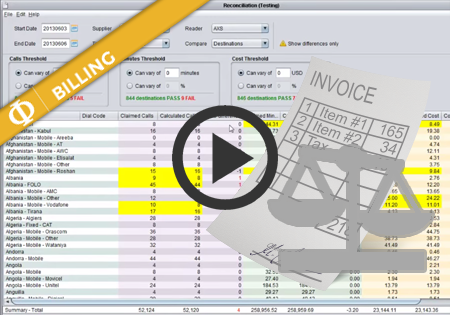
Getting started with Novatel
The following article will help you run the Novatel Control Centre for the first time and will walk you through the basic functionality to quickly start using the application. Visit the link to your application provided by the Novatel Team and you will find the following website. Click the ‘Start Control Centre’ button. This will…
Routing Plans – Routing Types
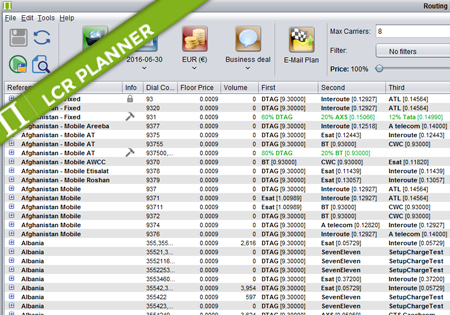
Routing Types There are four routing types available in Planner: Standard – the order of suppliers is automatically calculated by Planner. It depends on price/quality settings configured by the user. The user can overrides position of suppliers manually or exclude unwanted choices. Percentage – the number and order of supplier is fixed and defined by…
Supplier Rates
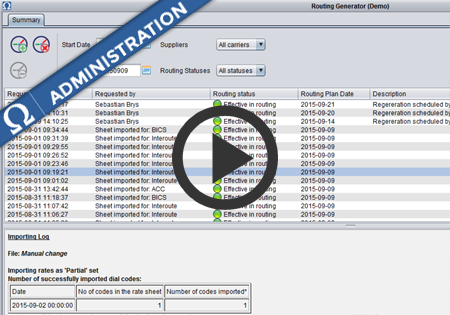
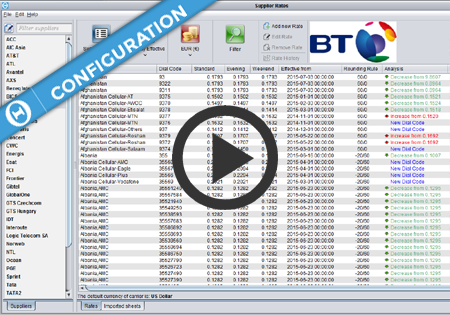
Supplier Rates screen introduction Supplier Rates screen display options