Similar Posts
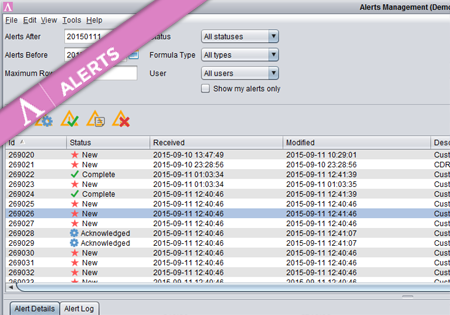
Alerts Management
Once the Alert is generated, the responsible persons are notified and the Alerts are accessible from the Overview screen. The screen consists of three parts. At the top there is a set of filters to allow the users to finds only those Alerts they are interested in. In the middle panel there is a list…
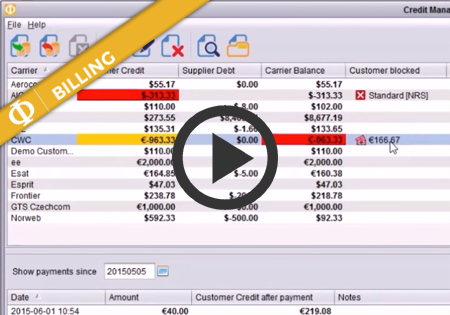
Manual traffic blocking for Customers
In Credit Management screen of the Billing module you can now block traffic from a customer manually, even when that customer still has credit available. To block traffic from a Customer, first Select the Customer and then push the red Stop button as shown here. In the table it will show the traffic has been…
Downloading CDRs
CDR Downloading – How to The following document describes how to download a csv file with CDRs for parameters defined by the user. The CDRs can be downloaded either from any View by … screen or from the Phone Calls screen. 1. Define the CDRs that the user is interested in. To download the CDRs…