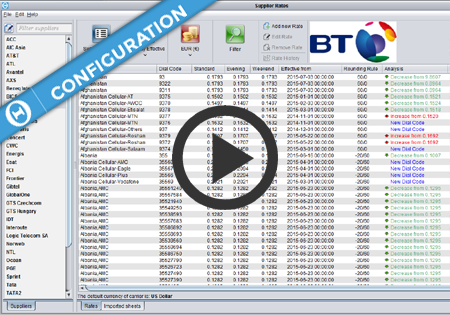
Supplier Rates
Supplier Rates screen introduction
Supplier Rates screen display options


Configuration All currencies in Control Centre in Configuration->Currencies->Currencies screen. On Configuration->Currencies->Exchange Rates screen you can review and configure the Exchange Rates between the currencies you have configured on the Currencies screen. The exchange rates can be configured to update automatically every night from www.exchange-rates.org, or they can be updated manually. While creating/editing a Carrier on Configuration->Carriers->Carriers screen,…
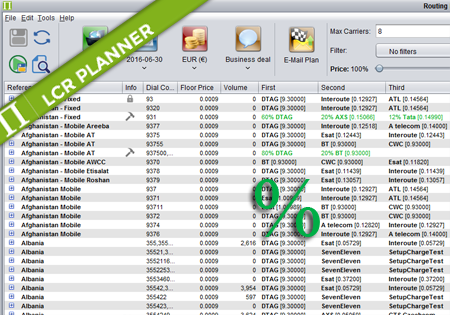
Percentage Routing Percentage routing alows the user to define percentage distribution between multiple suppliers. For example one supplier may take 60% of traffic, when another supplier takes 40%. The user is also allowed to configure backup carriers to be used if all the suppliers that are used in percentage routing fail. The order of carriers…
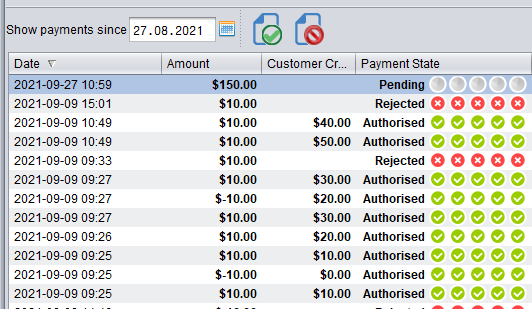
Credit Management in the Billing module now supports multi-level authorisation of top-ups (payments) for customers. The authorisation mode in Control Centre can be configured system-wide to be either: turned off – in this mode any top-up performed will instantly increase the customer’s Credit Balance turned on – configured to require top-up authorisation. In top-up Authorization…