
Similar Posts

Alerts widget
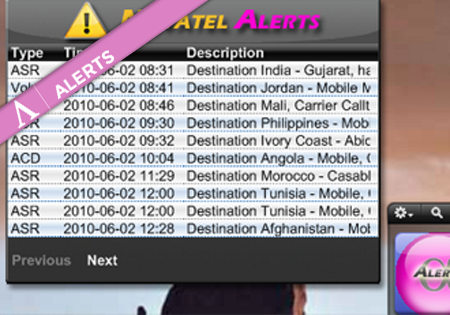
There is a Yahoo Widget one can have on the desktop which presents the latest Alerts. This allows the users to quickly spot the new Alerts without even launching Control Centre. In the basic view the list of all new Alerts is displayed. After clicking on the selected row, the Alert’s details are presented.
Downloading CDRs
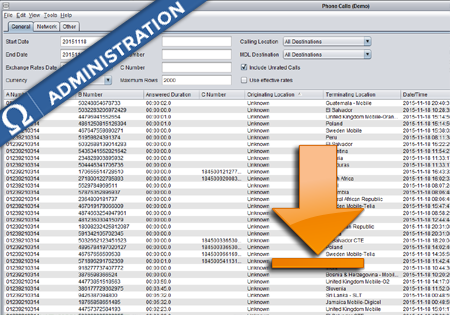
CDR Downloading – How to The following document describes how to download a csv file with CDRs for parameters defined by the user. The CDRs can be downloaded either from any View by … screen or from the Phone Calls screen. 1. Define the CDRs that the user is interested in. To download the CDRs…
Manual traffic blocking for Customers
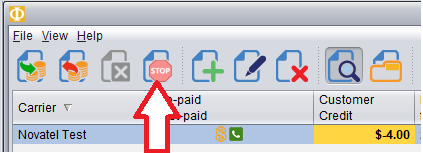
In Credit Management screen of the Billing module you can now block traffic from a customer manually, even when that customer still has credit available. To block traffic from a Customer, first Select the Customer and then push the red Stop button as shown here. In the table it will show the traffic has been…