
Similar Posts
Blacklists of numbers to block
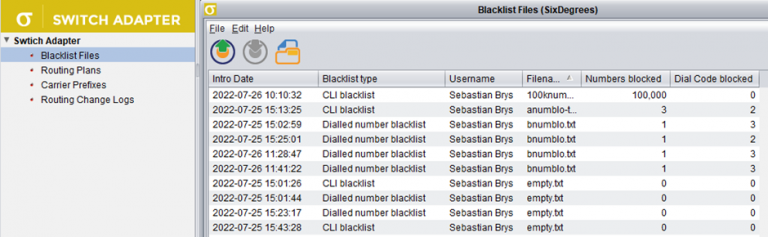
Version v.3.10.47 introduces blacklists of numbers to block in live traffic. The blacklists are managed in Switch Adapter module. You can configure a list of CLIs or dialled numbers to block in live routing. The list may consist of full numbers (e.g. 4420123456789) or dial codes followed by an asterisk (e.g. 44201* to block all…
Alert Formula Configuration
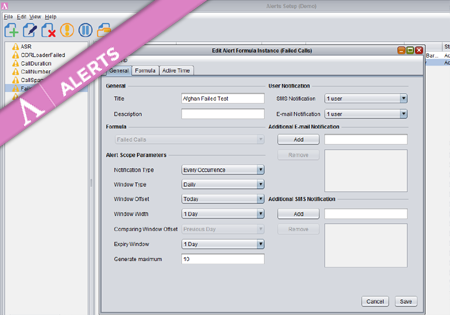
To create a new Formula Instance go to the Configuration screen and press the Add button. The dialog where you configure your new Alert Formula Instance has three main tabs storing different groups of properties. Provide a title and description for the new Formula Instance. On the right you may specify (optional) multiple e-mail addresses…
Rate Sheet Importing
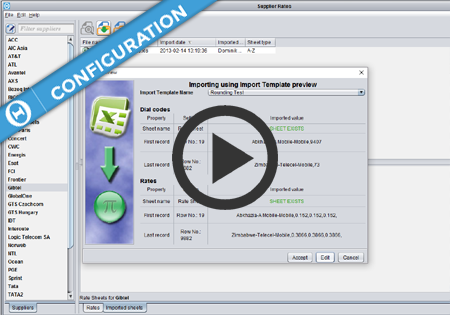
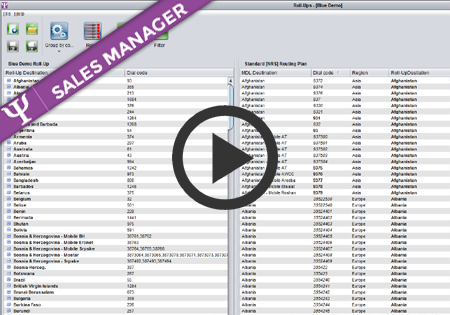
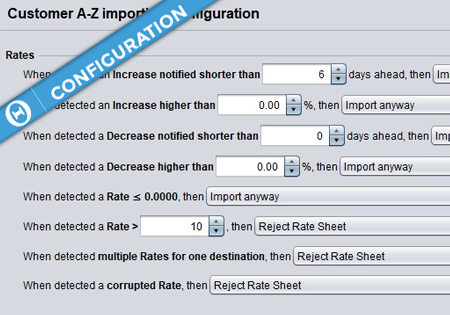
Introduction Control Centre allows the user to fully automate the exchange of rates between the users and their clients. There are three ways of updating rates in the system: a) Manual – the user can provide a new rate for a destination and define the effective date. This option should only be used in urgent…