Similar Posts
Rate Sheet Importing
Introduction Control Centre allows the user to fully automate the exchange of rates between the users and their clients. There are three ways of updating rates in the system: a) Manual – the user can provide a new rate for a destination and define the effective date. This option should only be used in urgent…
Getting started with Novatel
The following article will help you run the Novatel Control Centre for the first time and will walk you through the basic functionality to quickly start using the application. Visit the link to your application provided by the Novatel Team and you will find the following website. Click the ‘Start Control Centre’ button. This will…
Standard Routing
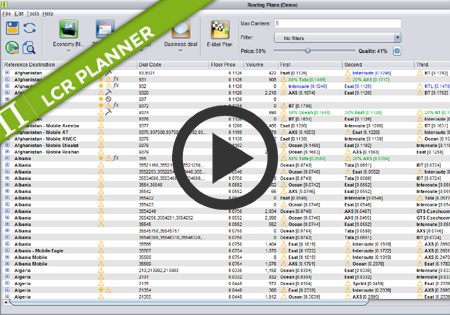
Standard Routing Standard routing is the default routing for all routes. It can be modified by the user. By default Standard routing orders suppliers by price from the cheapest to the most expensive ones. The user may want to include quality factor in routing calculation. By using Price/Quality slider they can set the price/quality ratio…
Daily Credit monitoring and blocking
Novatel Control Centre can now monitor credit for the traffic received from the Customers each day. This means you can configure the maximum amount you want to allow the Customer to send traffic for within a single day. At a certain level, you may receive an alert (mail/sms) and/or block the traffic until the next…
Manual traffic blocking for Customers
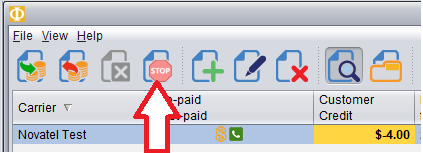
In Credit Management screen of the Billing module you can now block traffic from a customer manually, even when that customer still has credit available. To block traffic from a Customer, first Select the Customer and then push the red Stop button as shown here. In the table it will show the traffic has been…