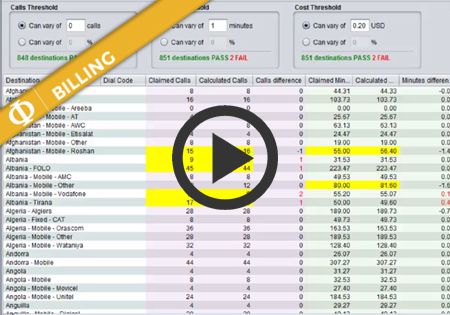
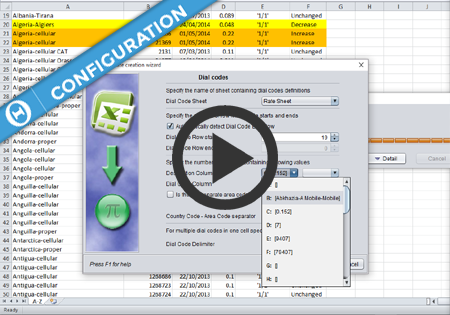
Import Templates
Import Templates basic settings

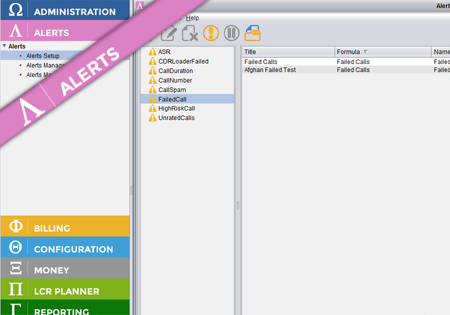
Alerts is an application which sits on top of the other Control Centre applications and provides various alerts for these applications. Depending on which applications are available in the suite, different Alert formulas will be accessible. In order to have part of the application/network traffic monitored (e.g. ASR for different destinations) a new Alert Formula…
There are now three types of Origin Baskets independent of each other: Supplier Origin Baskets – those are defined by each Supplier in their rate sheets. Baskets of each Suppliers are isolated from other Suppliers and belong to those Suppliers only. Customer Origin Baskets – these baskets are defined at system level and are available…
Automatic Rate Sheet Importer gives the user opportunity to import supplier and customer rate sheets with minimal effort. Instead of manual loading rates to Control Centre, which is a time consuming process, the user can e-mail the rate sheet with a proper subject (as described in Automatic importer: e-mail subject format) and check the results…
Control Centre v.3.9.14 brings the support for Routing Models.Routing Models allow you to configure your routing more flexibly and easly. For example, if you have a common set of dial codes with the same routing for multiple routing plans (e.g. national traffic), you can put that into a separate Routing Plan, and in the Routing…
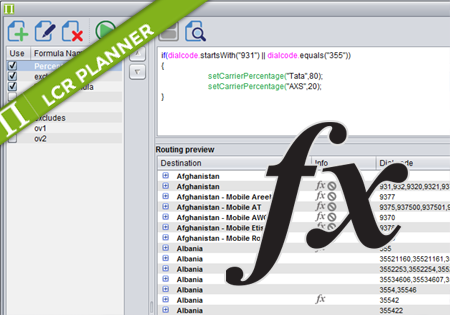
Control Centre 3.6 introduces Routing formulas. The following document describes how to use the formulas to automate your routing generation. To see all available methods read: Routing formulas – methods Applying formula The user can decide whether he wants to apply his formula on a single dial code, multiple dial codes or any destination that…