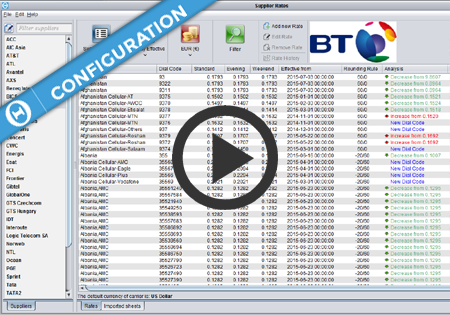
Supplier Rates
Supplier Rates screen introduction
Supplier Rates screen display options

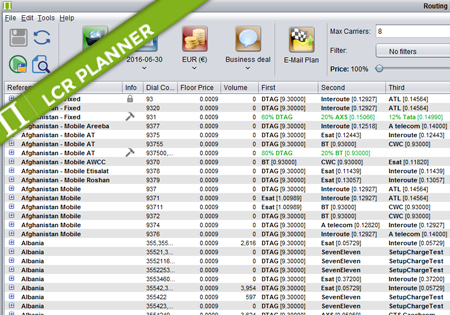
Routing Types There are four routing types available in Planner: Standard – the order of suppliers is automatically calculated by Planner. It depends on price/quality settings configured by the user. The user can overrides position of suppliers manually or exclude unwanted choices. Percentage – the number and order of supplier is fixed and defined by…
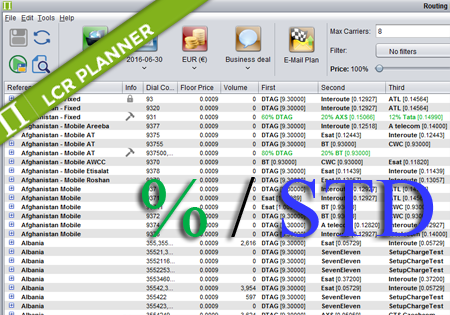
Mixed Routing Mixed routing is a compliation of percentage and standard routing. The user may define a percentage value for a number of carriers. The total percentage should be less than 100%. The remaining percentage is assigned to the standard routing. For example: Afghanistan,93,60% ATL,DTAG,ATelecom means that 60% of traffic for 93 is routed by…

Configuration All currencies in Control Centre in Configuration->Currencies->Currencies screen. On Configuration->Currencies->Exchange Rates screen you can review and configure the Exchange Rates between the currencies you have configured on the Currencies screen. The exchange rates can be configured to update automatically every night from www.exchange-rates.org, or they can be updated manually. While creating/editing a Carrier on Configuration->Carriers->Carriers screen,…
The following types of rate change notifications are supported by Control Centre: A-Z price lists include all of the destinations for every country offered by a Seller to a Buyer. All of the rates previously provided by the Seller are replaced by the content of the new price list, and if any destinations are missing in…
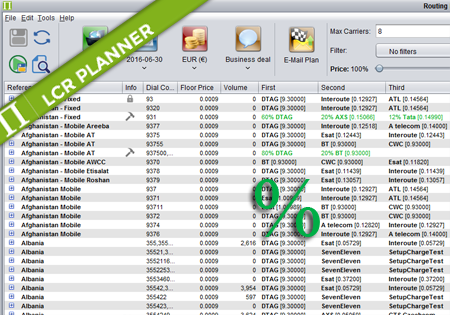
Percentage Routing Percentage routing alows the user to define percentage distribution between multiple suppliers. For example one supplier may take 60% of traffic, when another supplier takes 40%. The user is also allowed to configure backup carriers to be used if all the suppliers that are used in percentage routing fail. The order of carriers…