Similar Posts
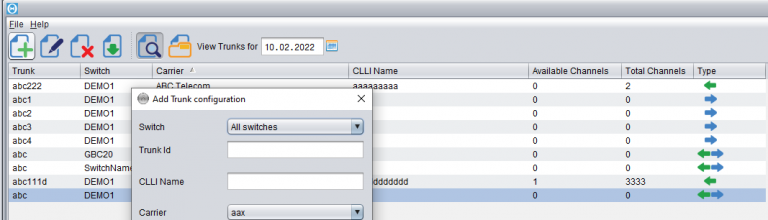
Trunks configuration
Trunk configuration is the area that determines proper recognition of who the Customer and who the Supplier was in a certain call. When the call has been made, the switch produces a CDR with the two trunks in it:1) the incoming trunk – which specifies the Customer who sent the call2) the outgoing trunk –…
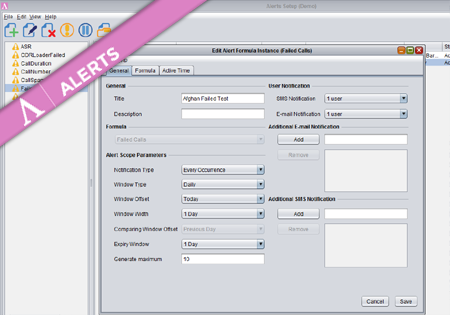
Alert Formula Configuration
To create a new Formula Instance go to the Configuration screen and press the Add button. The dialog where you configure your new Alert Formula Instance has three main tabs storing different groups of properties. Provide a title and description for the new Formula Instance. On the right you may specify (optional) multiple e-mail addresses…
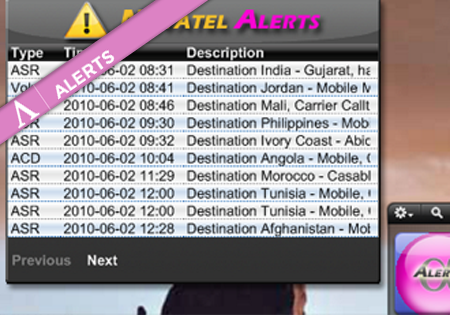
Alerts widget
There is a Yahoo Widget one can have on the desktop which presents the latest Alerts. This allows the users to quickly spot the new Alerts without even launching Control Centre. In the basic view the list of all new Alerts is displayed. After clicking on the selected row, the Alert’s details are presented.
Getting started with Novatel
The following article will help you run the Novatel Control Centre for the first time and will walk you through the basic functionality to quickly start using the application. Visit the link to your application provided by the Novatel Team and you will find the following website. Click the ‘Start Control Centre’ button. This will…