Similar Posts
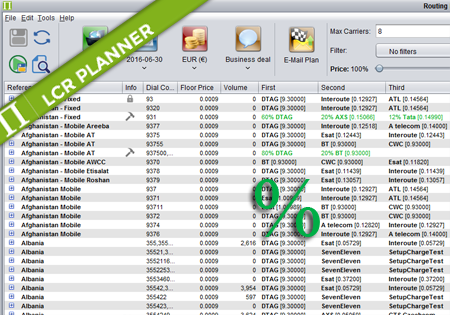
Percentage Routing
Percentage Routing Percentage routing alows the user to define percentage distribution between multiple suppliers. For example one supplier may take 60% of traffic, when another supplier takes 40%. The user is also allowed to configure backup carriers to be used if all the suppliers that are used in percentage routing fail. The order of carriers…
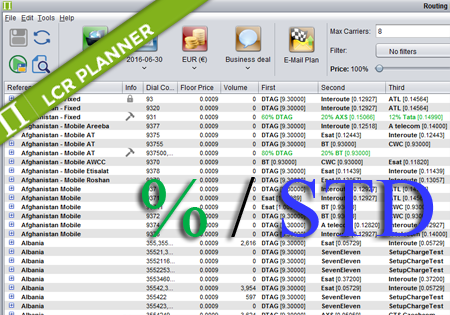
Mixed Routing
Mixed Routing Mixed routing is a compliation of percentage and standard routing. The user may define a percentage value for a number of carriers. The total percentage should be less than 100%. The remaining percentage is assigned to the standard routing. For example: Afghanistan,93,60% ATL,DTAG,ATelecom means that 60% of traffic for 93 is routed by…
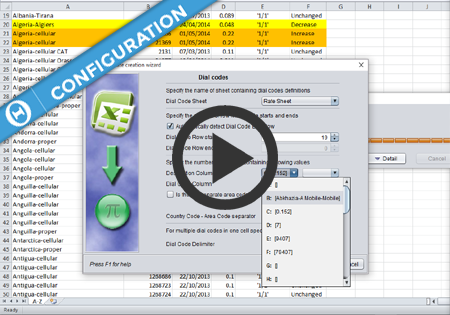
Import Templates
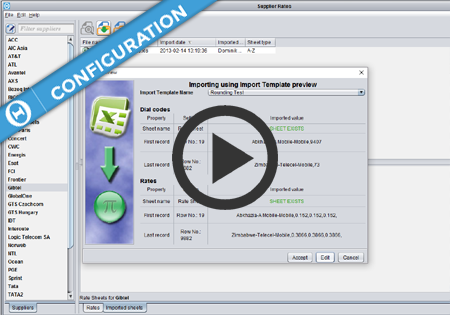
Import Templates basic settings Import Templates advanced options