Similar Posts
Alert Formula Configuration
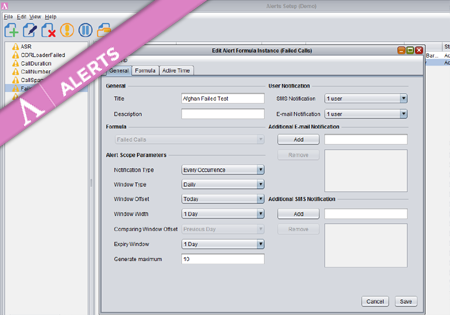
To create a new Formula Instance go to the Configuration screen and press the Add button. The dialog where you configure your new Alert Formula Instance has three main tabs storing different groups of properties. Provide a title and description for the new Formula Instance. On the right you may specify (optional) multiple e-mail addresses…

Multicurrency support in Control Centre
Configuration All currencies in Control Centre in Configuration->Currencies->Currencies screen. On Configuration->Currencies->Exchange Rates screen you can review and configure the Exchange Rates between the currencies you have configured on the Currencies screen. The exchange rates can be configured to update automatically every night from www.exchange-rates.org, or they can be updated manually. While creating/editing a Carrier on Configuration->Carriers->Carriers screen,…

Getting started with Novatel
The following article will help you run the Novatel Control Centre for the first time and will walk you through the basic functionality to quickly start using the application. Visit the link to your application provided by the Novatel Team and you will find the following website. Click the ‘Start Control Centre’ button. This will…