
Similar Posts
Alerts Introduction
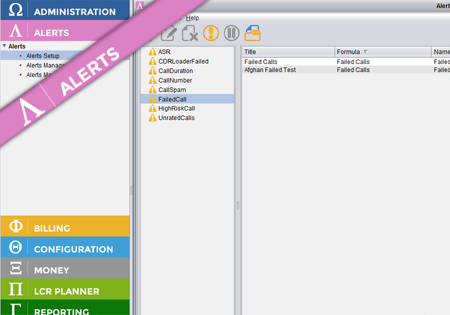
Alerts is an application which sits on top of the other Control Centre applications and provides various alerts for these applications. Depending on which applications are available in the suite, different Alert formulas will be accessible. In order to have part of the application/network traffic monitored (e.g. ASR for different destinations) a new Alert Formula…
Manual traffic blocking for Customers
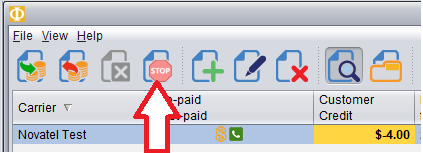
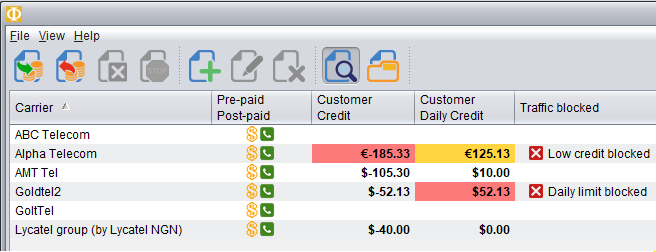
In Credit Management screen of the Billing module you can now block traffic from a customer manually, even when that customer still has credit available. To block traffic from a Customer, first Select the Customer and then push the red Stop button as shown here. In the table it will show the traffic has been…
Daily Credit monitoring and blocking
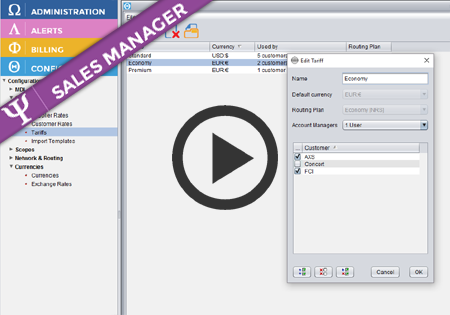
Novatel Control Centre can now monitor credit for the traffic received from the Customers each day. This means you can configure the maximum amount you want to allow the Customer to send traffic for within a single day. At a certain level, you may receive an alert (mail/sms) and/or block the traffic until the next…
Alert Formula Configuration
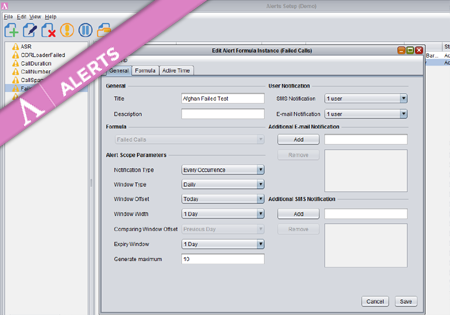
To create a new Formula Instance go to the Configuration screen and press the Add button. The dialog where you configure your new Alert Formula Instance has three main tabs storing different groups of properties. Provide a title and description for the new Formula Instance. On the right you may specify (optional) multiple e-mail addresses…