
Similar Posts
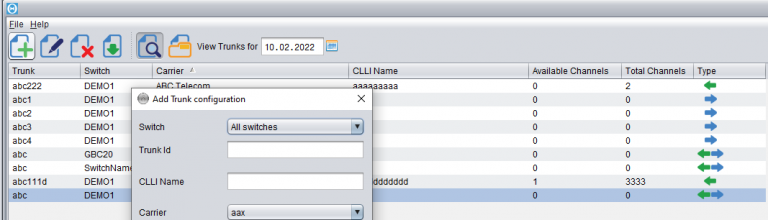
Trunks configuration
Trunk configuration is the area that determines proper recognition of who the Customer and who the Supplier was in a certain call. When the call has been made, the switch produces a CDR with the two trunks in it:1) the incoming trunk – which specifies the Customer who sent the call2) the outgoing trunk –…
Mixed Routing
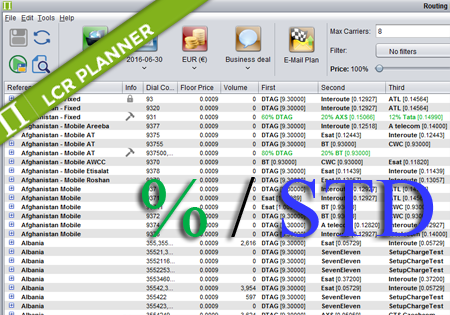
Mixed Routing Mixed routing is a compliation of percentage and standard routing. The user may define a percentage value for a number of carriers. The total percentage should be less than 100%. The remaining percentage is assigned to the standard routing. For example: Afghanistan,93,60% ATL,DTAG,ATelecom means that 60% of traffic for 93 is routed by…
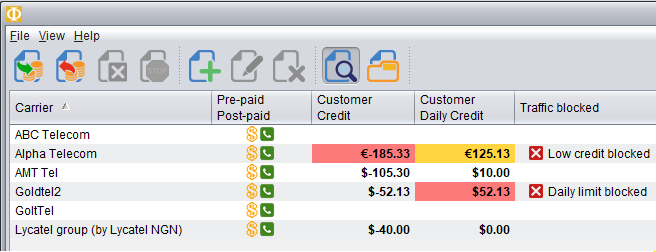
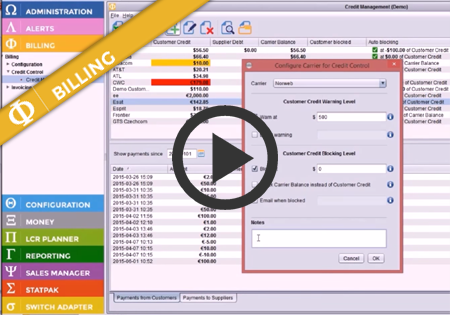
Daily Credit monitoring and blocking
Novatel Control Centre can now monitor credit for the traffic received from the Customers each day. This means you can configure the maximum amount you want to allow the Customer to send traffic for within a single day. At a certain level, you may receive an alert (mail/sms) and/or block the traffic until the next…