Similar Posts
Trunks configuration
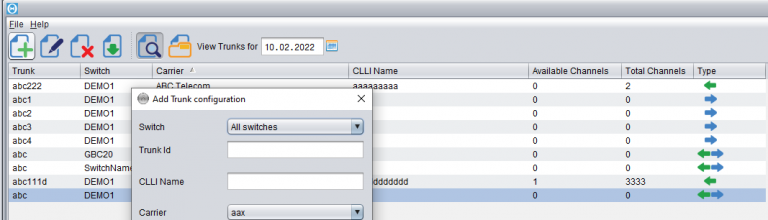
Trunk configuration is the area that determines proper recognition of who the Customer and who the Supplier was in a certain call. When the call has been made, the switch produces a CDR with the two trunks in it:1) the incoming trunk – which specifies the Customer who sent the call2) the outgoing trunk –…
Percentage Routing
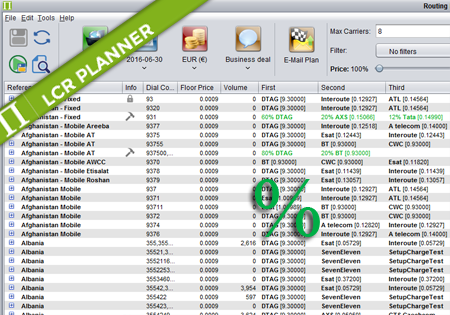
Percentage Routing Percentage routing alows the user to define percentage distribution between multiple suppliers. For example one supplier may take 60% of traffic, when another supplier takes 40%. The user is also allowed to configure backup carriers to be used if all the suppliers that are used in percentage routing fail. The order of carriers…
Alert Formula Configuration
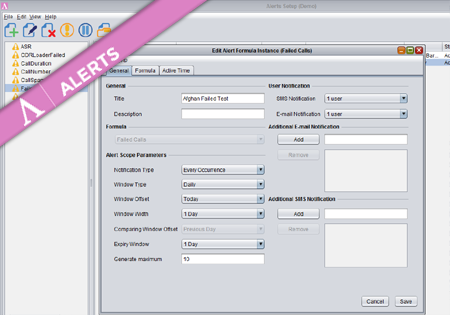
To create a new Formula Instance go to the Configuration screen and press the Add button. The dialog where you configure your new Alert Formula Instance has three main tabs storing different groups of properties. Provide a title and description for the new Formula Instance. On the right you may specify (optional) multiple e-mail addresses…
Multicurrency support in Control Centre
Configuration All currencies in Control Centre in Configuration->Currencies->Currencies screen. On Configuration->Currencies->Exchange Rates screen you can review and configure the Exchange Rates between the currencies you have configured on the Currencies screen. The exchange rates can be configured to update automatically every night from www.exchange-rates.org, or they can be updated manually. While creating/editing a Carrier on Configuration->Carriers->Carriers screen,…
Mixed Routing
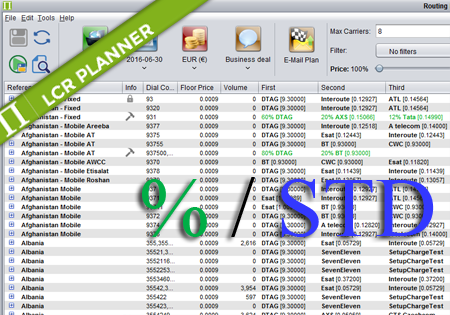
Mixed Routing Mixed routing is a compliation of percentage and standard routing. The user may define a percentage value for a number of carriers. The total percentage should be less than 100%. The remaining percentage is assigned to the standard routing. For example: Afghanistan,93,60% ATL,DTAG,ATelecom means that 60% of traffic for 93 is routed by…
Supplier Rates
Supplier Rates screen introduction Supplier Rates screen display options